Modules / The foundation
Accounts and families
One sign-in, one household, one place to keep your details current.
- Families
- Parish office
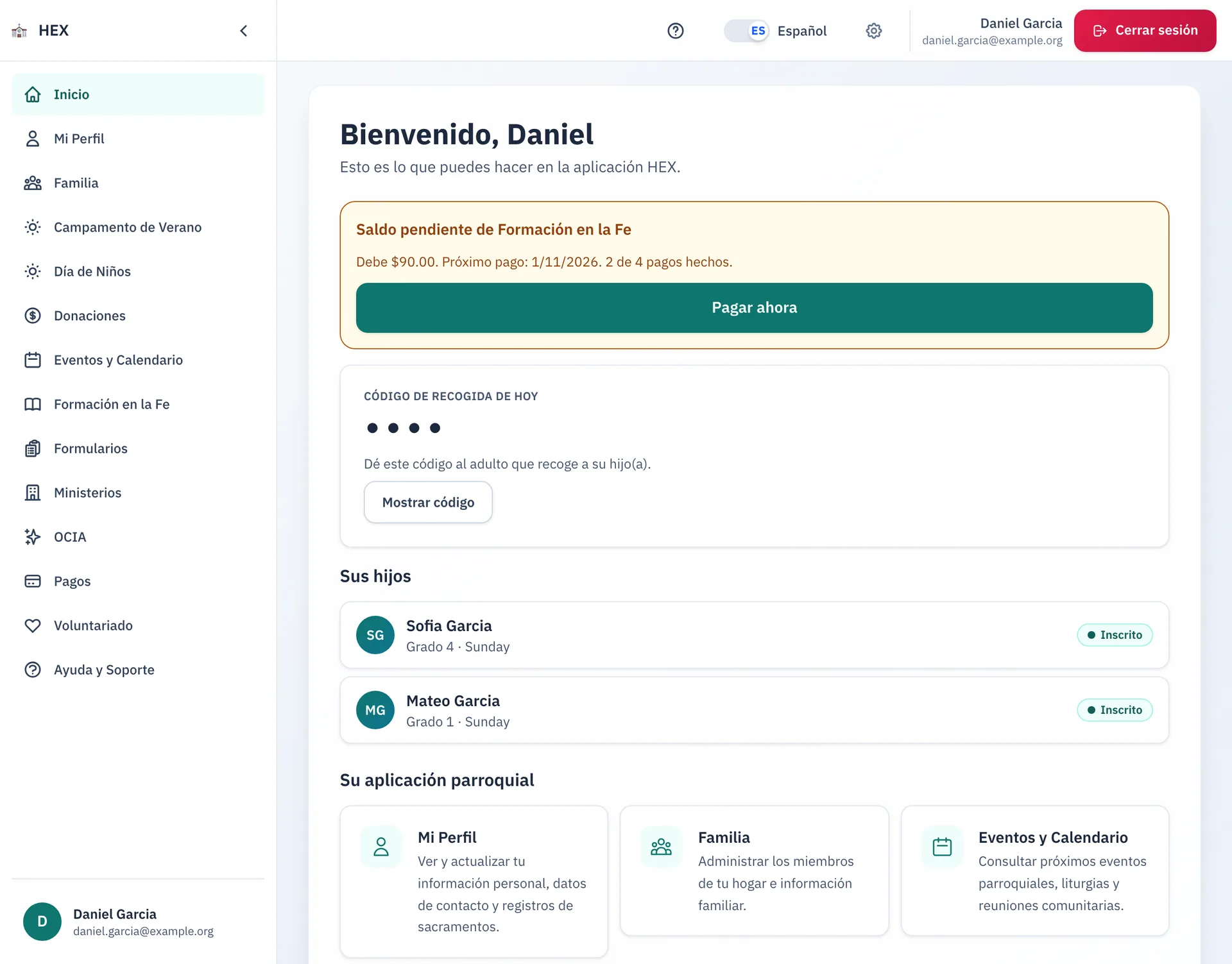
Everything in Antiphona starts with an account. A parent signs in once. They then see their household, their children, and every program the family joined.
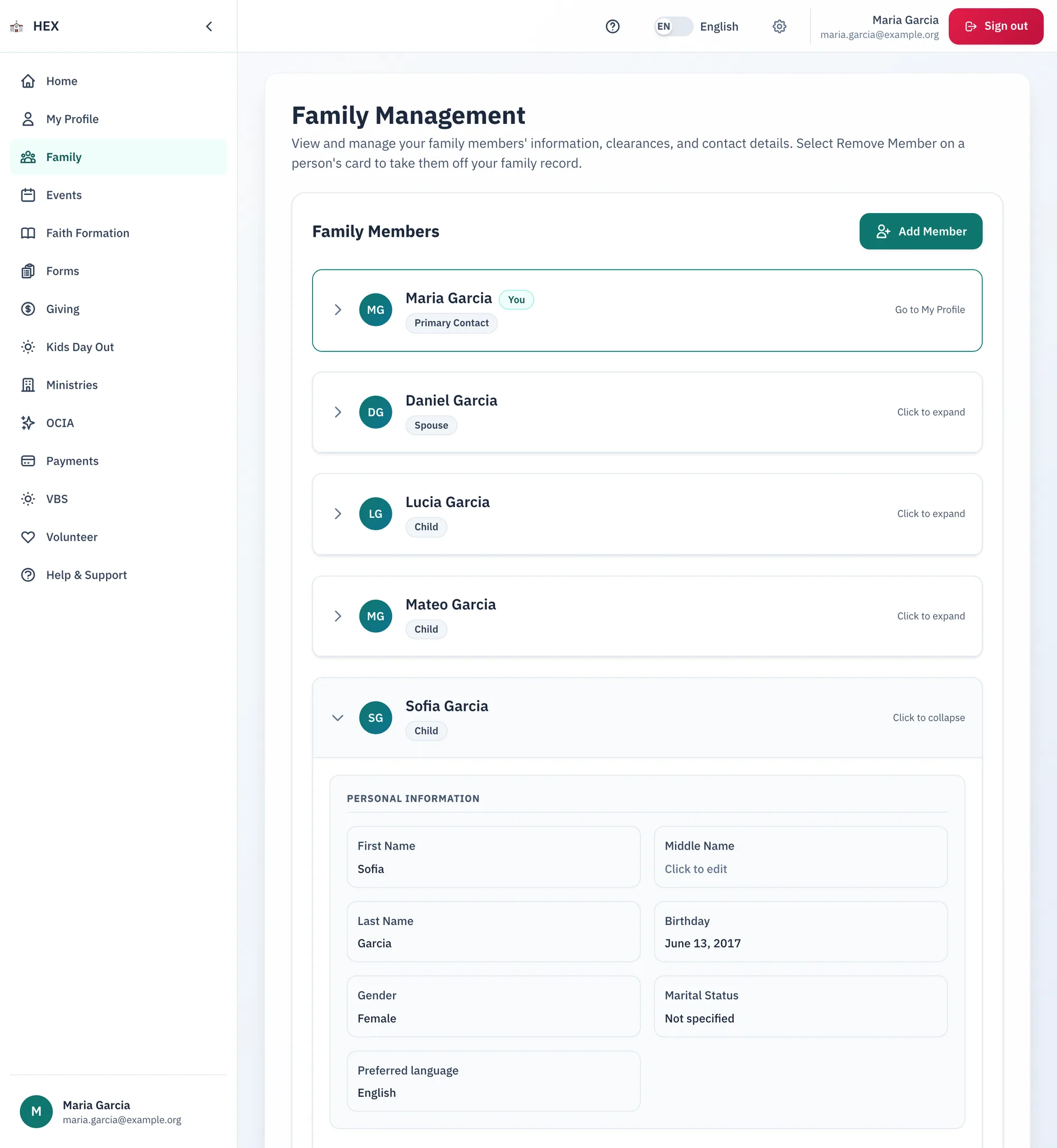
Keep the household current
Parents keep the parish's records right, so the parish can reach them and serve them.
- Edit personal details, contact details and sacrament information in place.
- Add, edit and remove family members in one household.
- See clearance badges with expiry dates for safe environment training and background checks.
- Choose what the parish sends you, by email or by text, one program at a time.
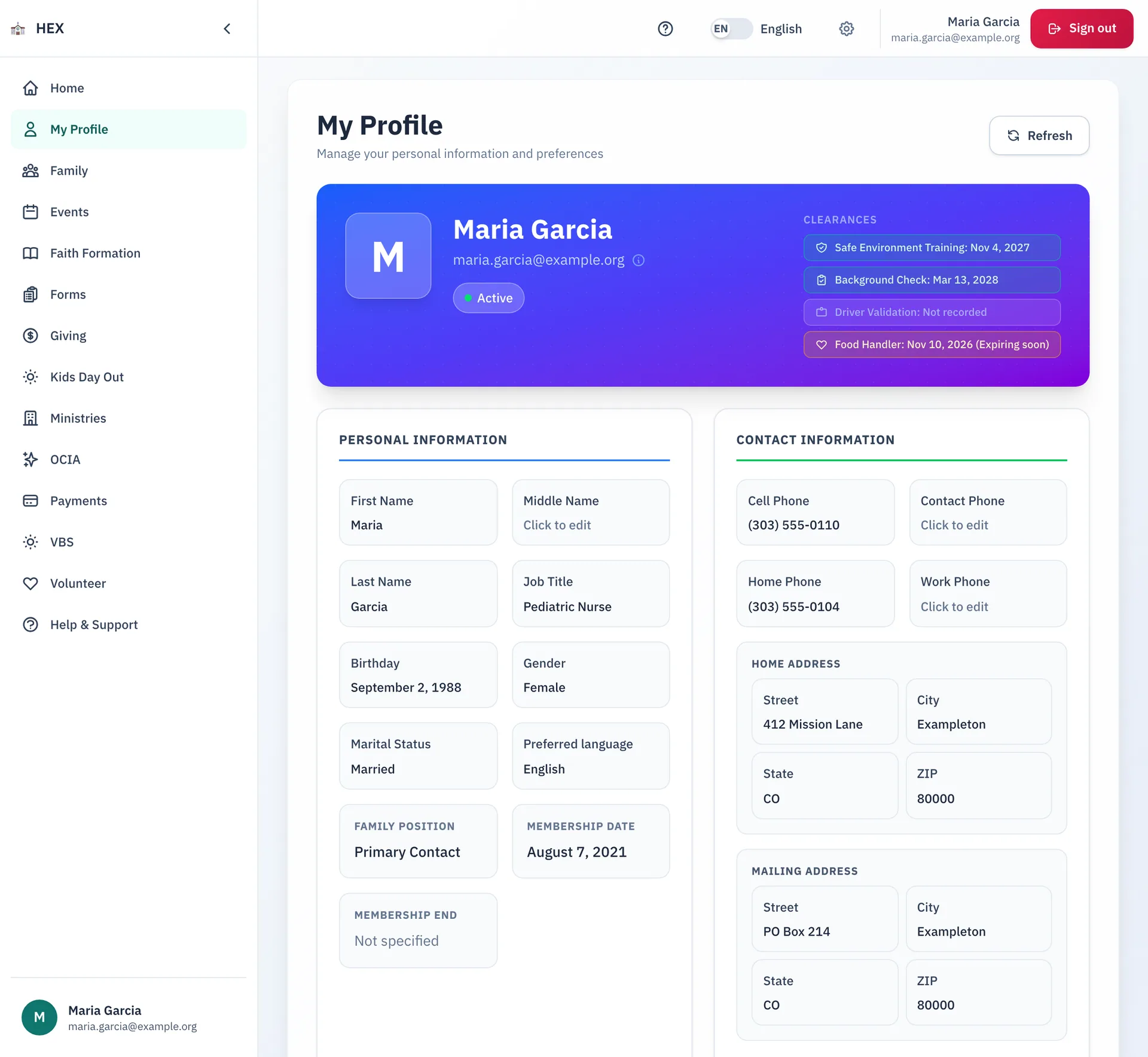
Sign in safely
A family needs a way in that is easy and safe.
- Sign in with an email address and a password. Add a passkey to sign in with Touch ID, Face ID or a security key.
- See every device that is signed in. Sign one out, or sign out of all of them at once.
- Change the email that you sign in with.
- Get back into your account with an email address or a phone number that you still control.
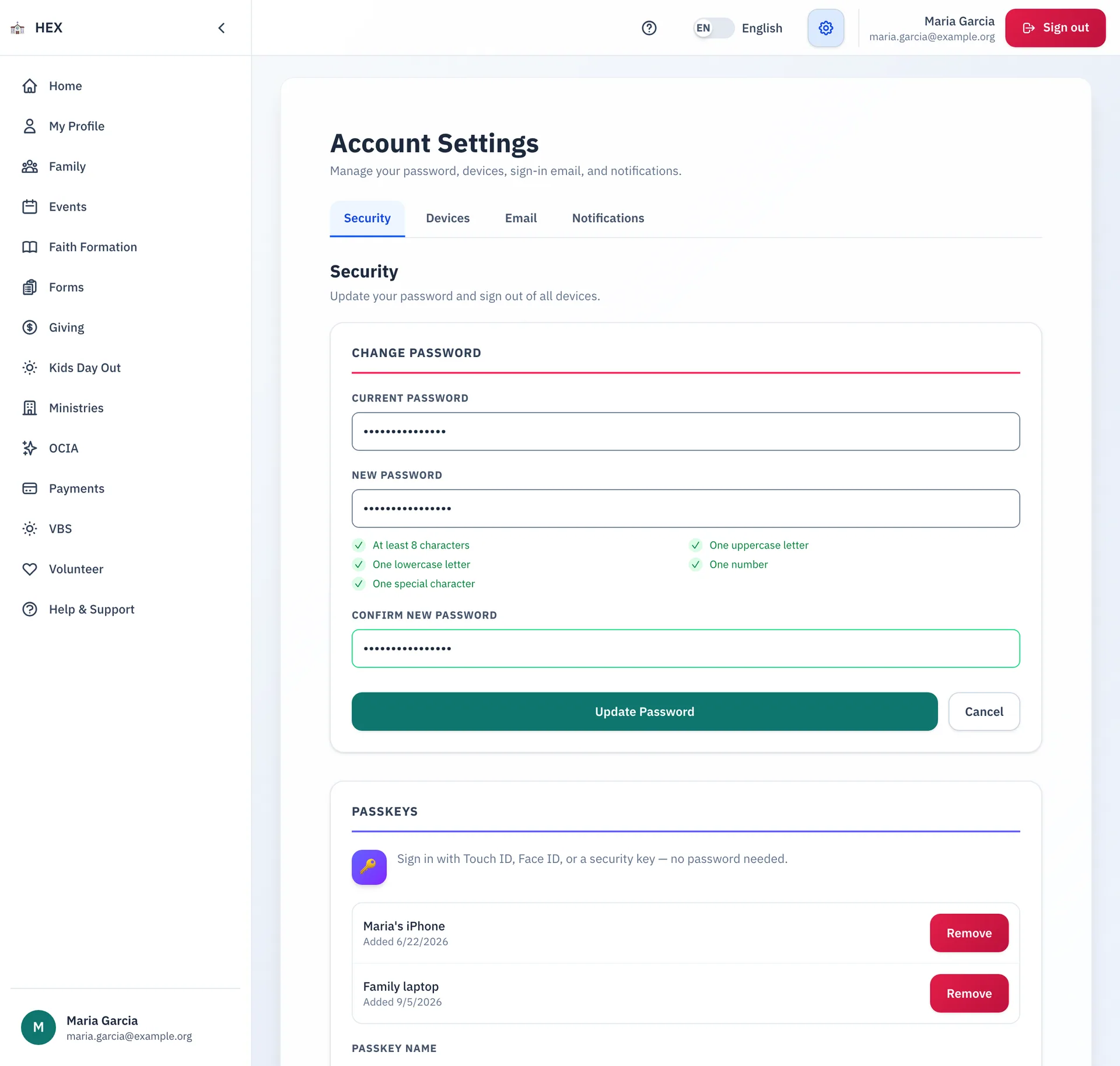
Tools for staff
Staff do not need to hunt for a screen. Admin Tools is one menu that opens every staff tool.
- Give a person one or more admin roles, and remove them again.
- Hide a module from parishioners, or bring it back. Admins still see it.
- Sign in as a parishioner to see and fix what that person sees. Then return to your own account.
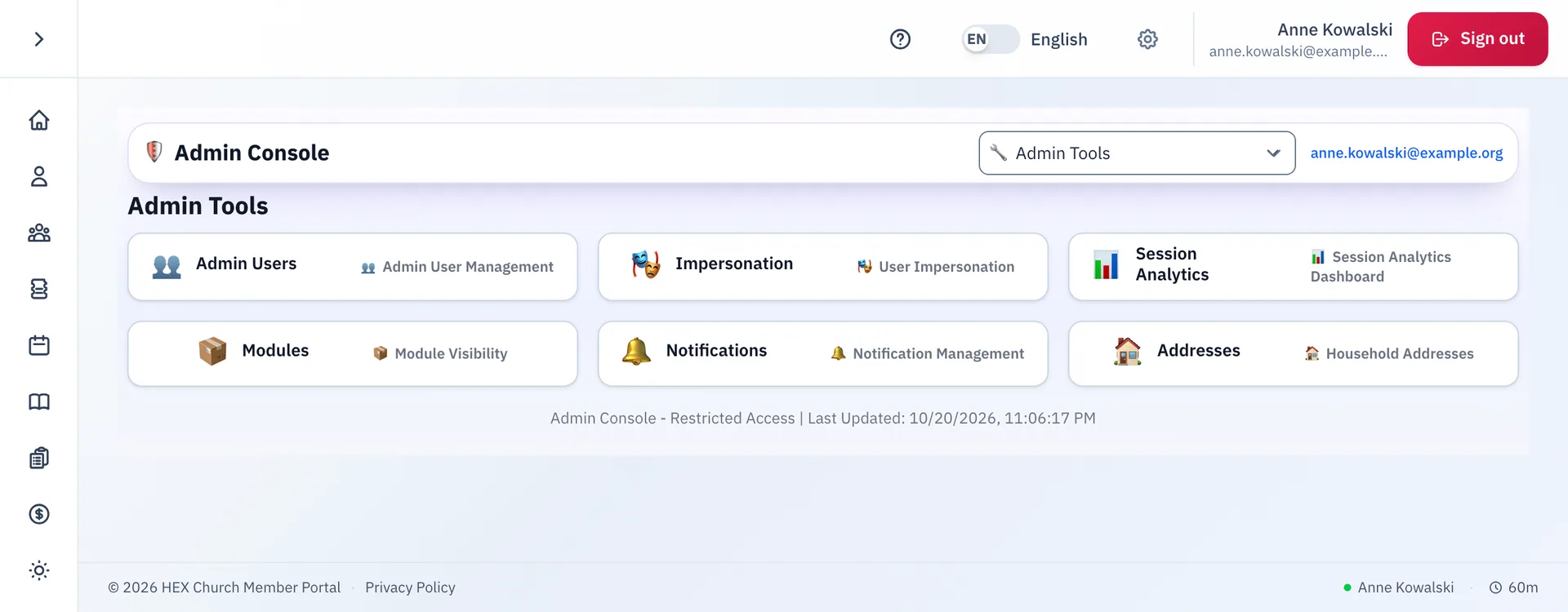
English and Spanish
Families switch between English and Spanish with one toggle. The app remembers the choice.
Step-by-step guides
- Signing in to the parish portal
- Managing your family's information
- Changing your password and signing out other devices
- Finding the right admin tool
The guides are on the docs site.
See Accounts and families at your parish.
Email us and we will show you how it would work for your parish.